How to generate an Excess Demand Charge
Last updated: March 20, 2026
Excess demand charges are calculated where the rate charge type is set to EXCESS.
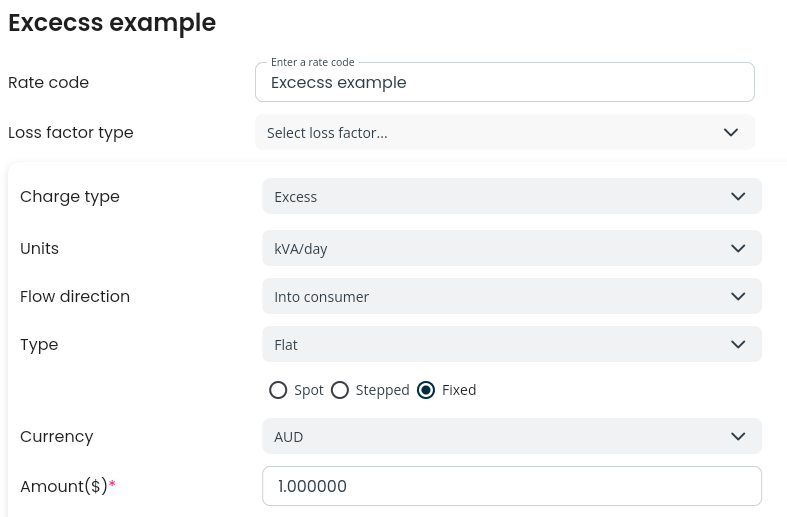
In order to create a rating/forecast with excess demand, the site capacity must be provided when configuring the forecast request. The site capacity can be configured on the UI for all sites in the forecast, not per site.
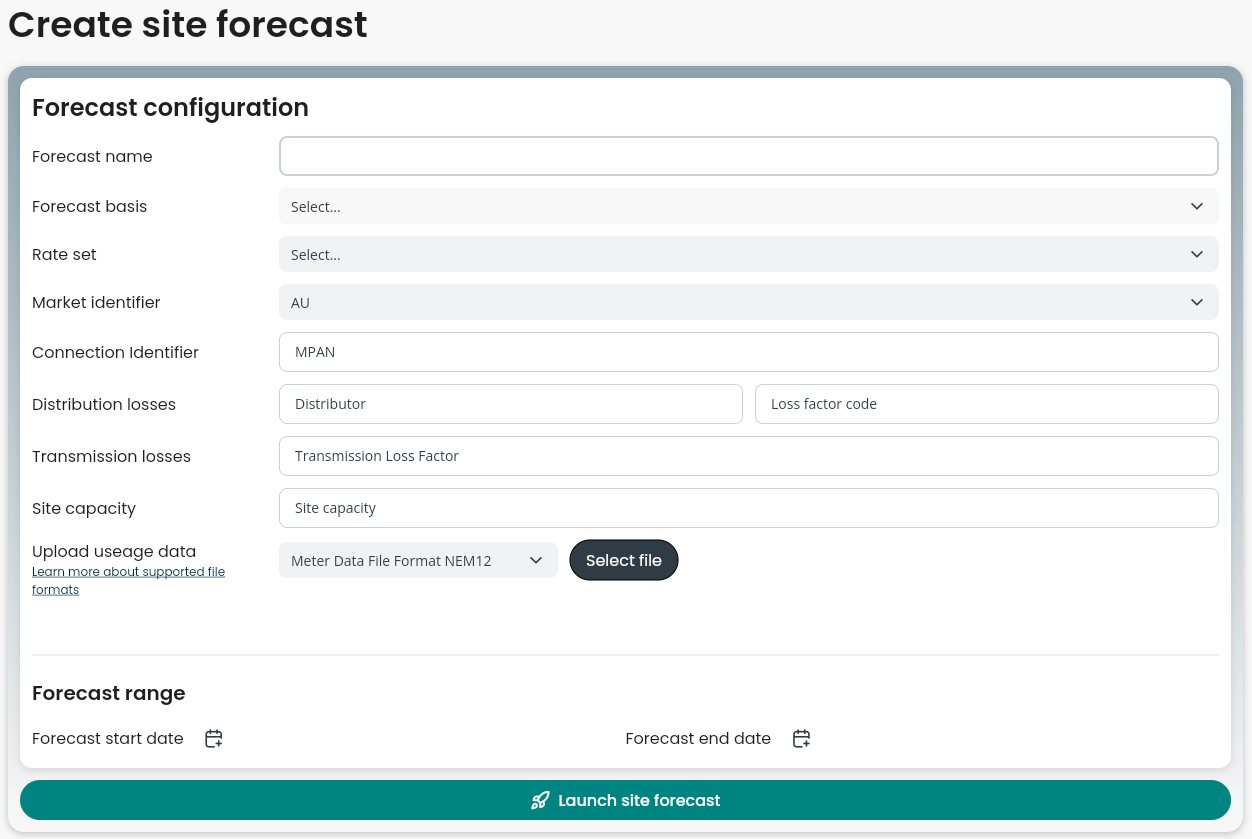
The site capacity will be used if there is a rate with charge type of EXCESS. If there is no rate found with this type, the site capacity is ignored.
If using the Factor APIs, site capacity can be specified for each charge.