Creating an OAuth2 Client
Last updated: March 2, 2026
Follow these steps to configure an OAuth2 client, which you can then use to integrate with the Factor API suite.
You’ll need to create an app client using the Factor UI before using the OAuth2 grant to obtain a token.
Step 1
In the Factor user interface, navigate to settings https://app.usefactor.io:

Step 2
Select create new client and provide an application name and context url:
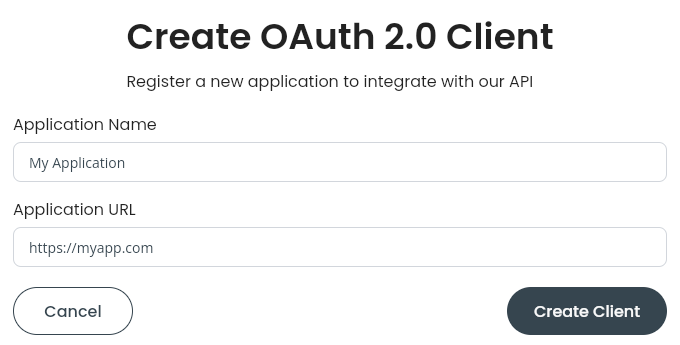
Step 3
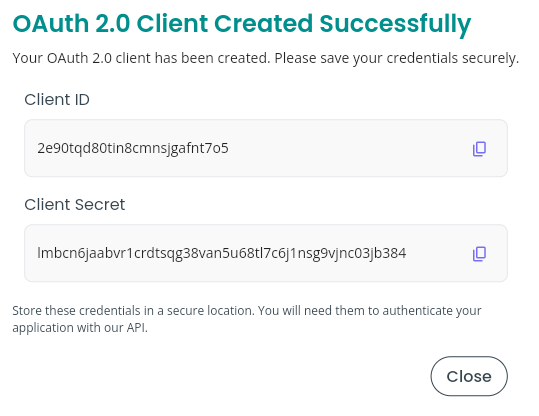
Select create client, and securely store the returned credentials: